BEFORE YOU CONTINUE…
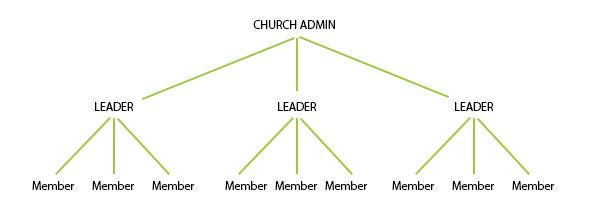
- Please note that each church may have only one church administrator account. If a church admin account has already been created for your church, please contact that administrator for next steps, and do not proceed.
- The email address used for the church admin account must be unique. You cannot use the same email address for a group leader or member account. If the church administrator will also be a participant in The Journey, they will need to create a separate group leader or member account using a different email address and following the sign-up procedure from within the app (not using this Purchase page).
I am a group leader or member.
I am our church’s designated admin.